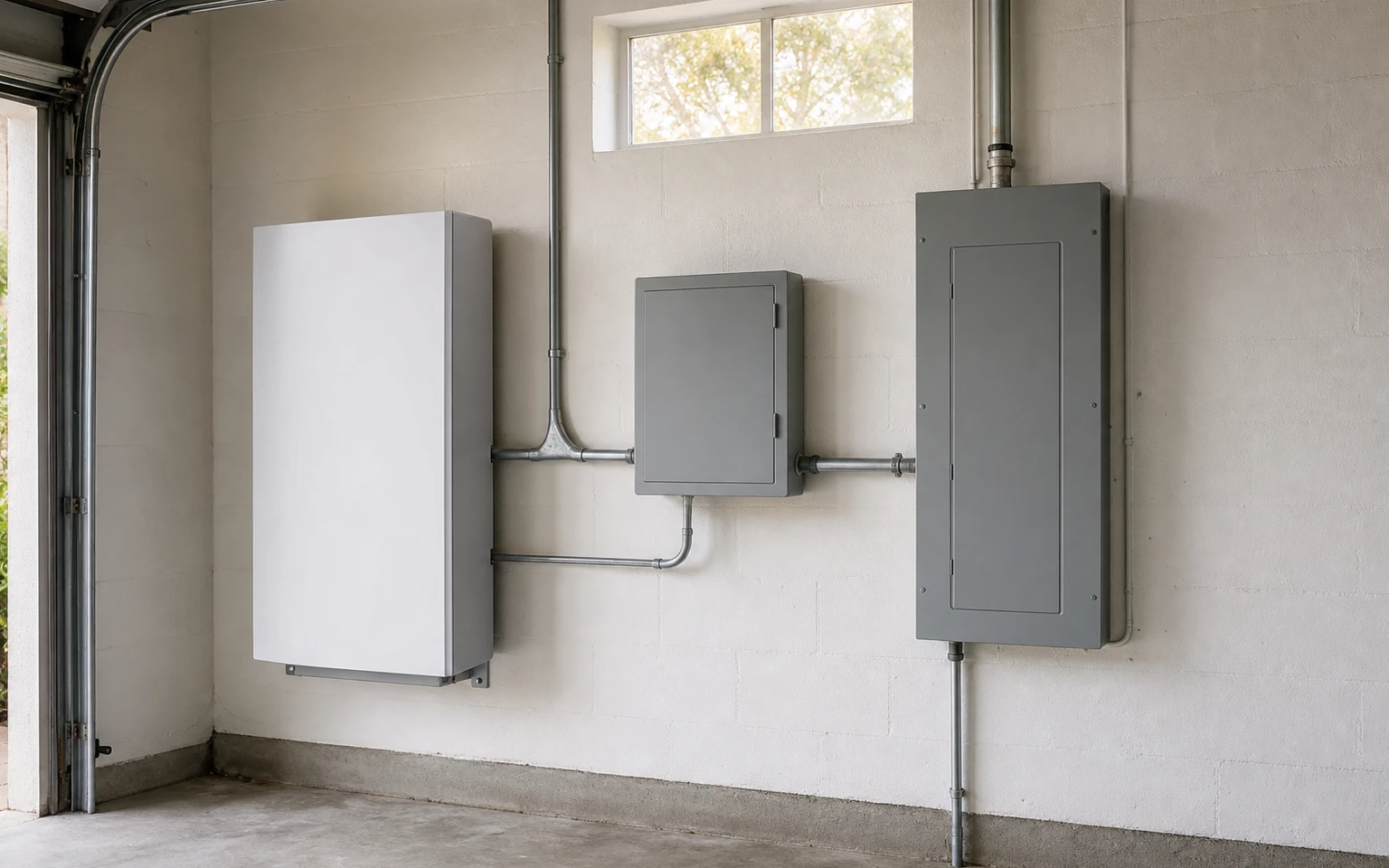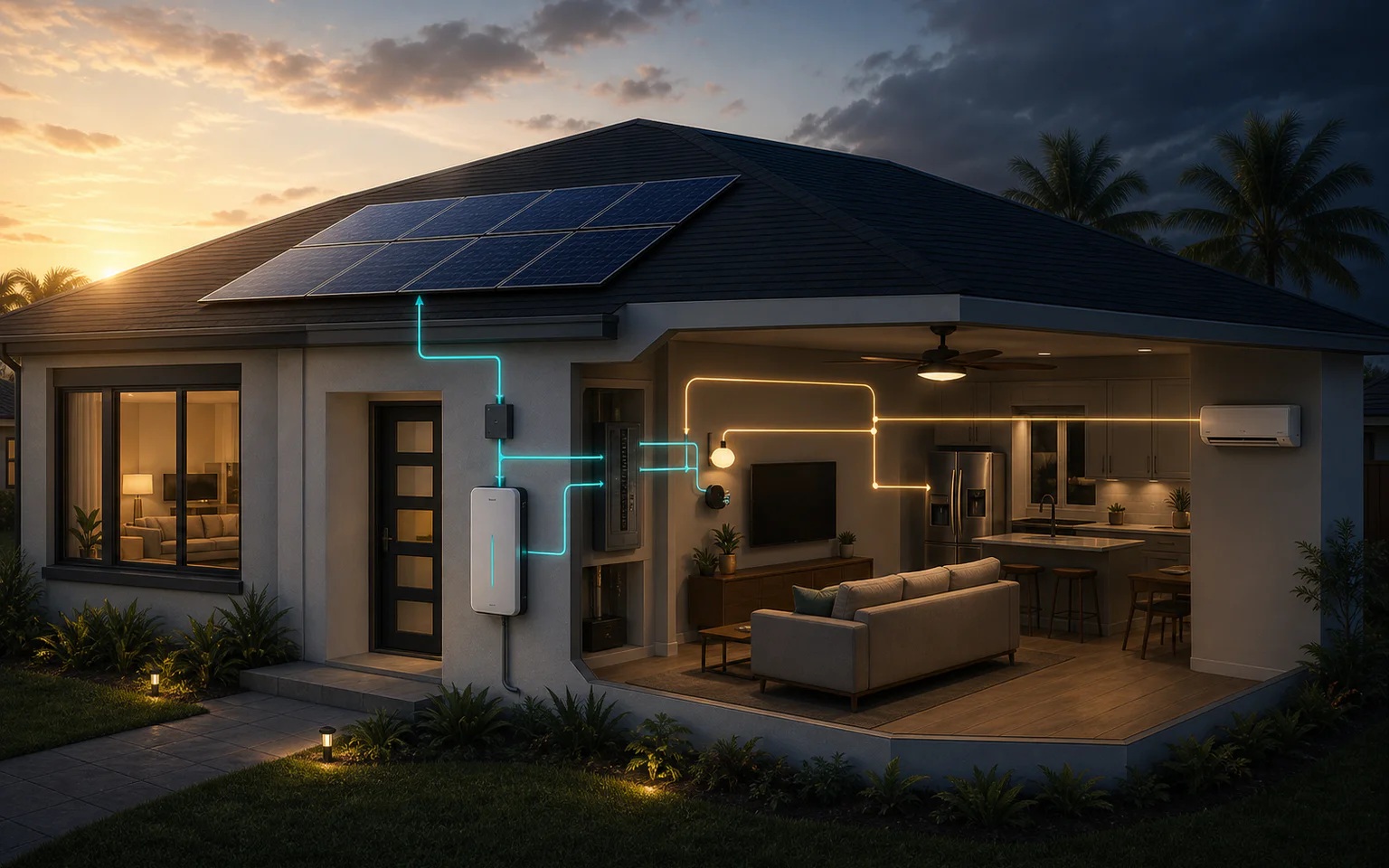
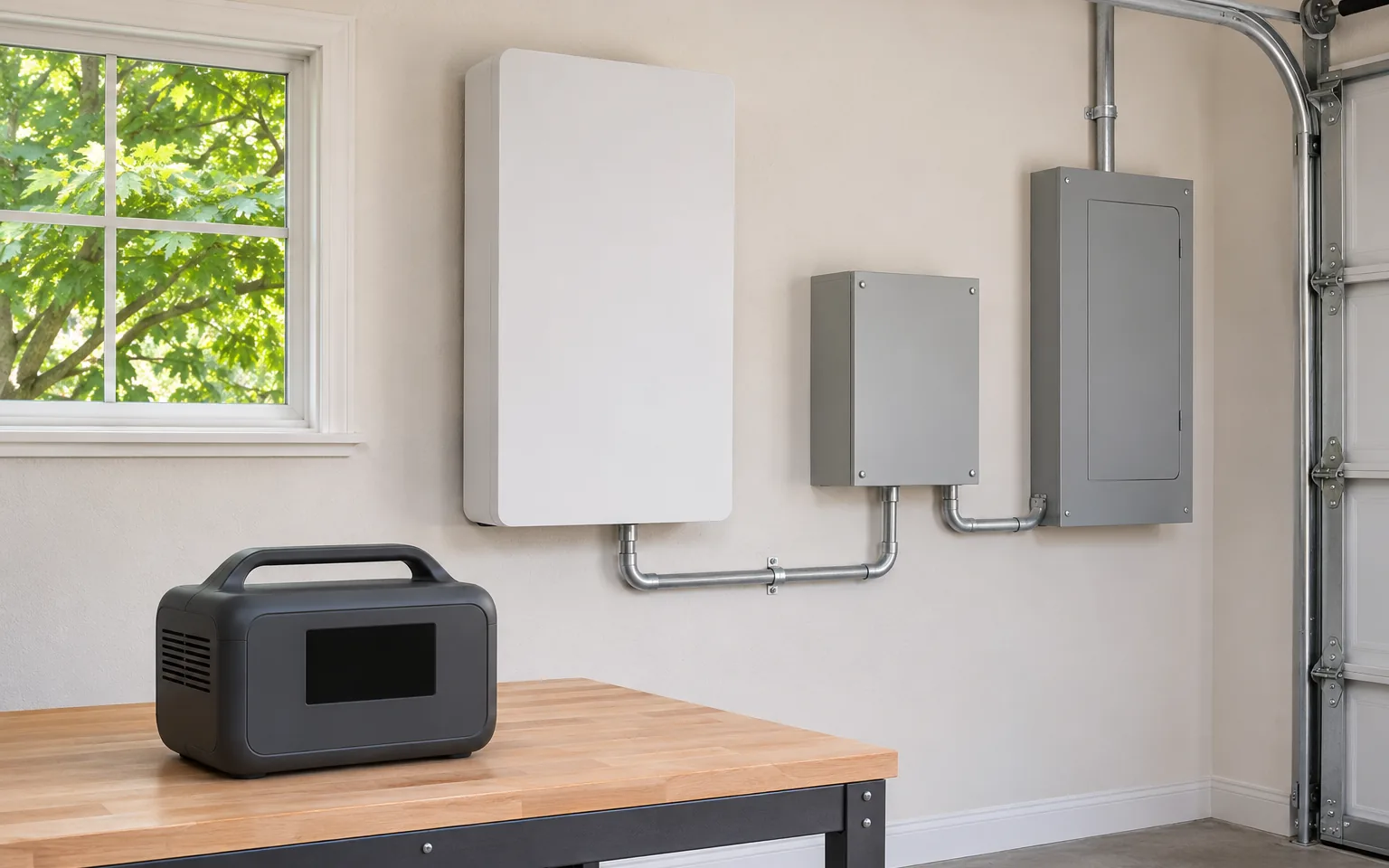
Planning in stages keeps each purchase useful. Before buying, decide what you want to support in an outage today and what you may want to support in a few years.
Stage 1: portable power for plug-in essentials
A portable station runs phones, internet, lights and fans. Depending on its output and the appliance, it may also run a refrigerator. It powers only equipment that you plug into it.
Anker lists the SOLIX C1000 Gen 2 at 1,024 Wh, 2,000 W of continuous output and up to 600 W of solar input. A unit of that class fits a short list of essentials; it does not back up household circuits. Our emergency preparedness checklist shows how to build that first list.
Stage 2: more capacity without replacing the unit
If you expect to need more energy later, check expansion before you buy. Some stations accept extra batteries; others do not.
Anker lists the SOLIX F3000 at 3,072 Wh, with expansion batteries of 3,072 Wh each and a stated system maximum of 24 kWh. Its standard output is 120 V. Anker indicates that 240 V output requires two F3000 units and a Double Voltage Hub. That distinction matters if you want to support a 240 V well pump or a large air conditioner.
Ask before choosing:
- Which expansion batteries are compatible, and how many can be added?
- Does adding batteries increase energy (Wh) only, or also output (W)?
- Is 240 V possible, and with what additional hardware?
Compare expansion batteries and accessories
Stage 3: connect selected circuits safely
Extension cords work for a few appliances. Hard-wired loads, such as a refrigerator circuit, lighting or a well pump, require a connection to your electrical panel through approved equipment.
Never feed power into a home through a wall outlet. Utilities warn that backfeeding can energize power lines and injure or kill line workers. Use a transfer switch, interlock or inlet designed for the equipment, installed by a licensed electrician with any required permit.
Some manufacturers sell connection hardware for their stations. Anker lists a bi-directional inlet box for the F3000 rated at 120 V and 1,800 W maximum. Ask the electrician to confirm compatibility with your panel and with the circuits you choose.
Stage 4: a home battery for main circuits or the whole home
Home battery systems are installed equipment, not portable stations. They connect to the panel and, depending on configuration, can support 240 V loads.
For example, Anker lists the SOLIX E10 with 6.144 kWh battery modules, expandable to 30 kWh per unit, 7,680 W of continuous output and 120/240 V split-phase service. Anker states that a professional electrician is required to install the Smart Inlet Box or Power Dock and handle the main grid connection. How long such a system lasts depends on the loads you select, the installed capacity and recharging, not on a headline figure.
Stage 5: add solar after efficiency and a roof check
Solar extends backup by recharging the battery during the day. Size it after reducing waste: insulation, air sealing and HVAC improvements can change both daily use and the backup you need. See what to size for solar and battery after efficiency and check the roof before you size solar.
Incentives have also changed. The IRS states that the federal Residential Clean Energy Credit is not available for property placed in service after December 31, 2025. Confirm current state, utility and local programs before counting on a rebate. DSIRE, the Database of State Incentives for Renewables & Efficiency, lists programs by state; for Florida, our 2026 Florida incentives update explains what is available.
Questions that make a system future-proof
- Loads: which appliances and circuits, at what power and for how many hours?
- Voltage: do you need 240 V for a well pump, range or air conditioner?
- Expansion: can capacity and output grow without replacing the main unit?
- Recharging: what solar input can the system accept, and can a generator charge it?
- Connection: which transfer switch, inlet or dock is required, and who installs it?
- Location: where will the battery sit, and how will heat, flooding and ventilation be handled?
- Support: warranty terms, firmware updates and service availability.
Plan your backup with BetterPowered
If you are considering more than a portable station, start with your loads and your electrical panel. BetterPowered can help you prepare a preliminary plan, compare options and connect with a verified contractor for the installation. Learn how our energy advisory services work.
Sources
Sources used for the comparisons and explanations in this article.
- 01 Anker SOLIX C1000 Gen 2 — official specificationswww.ankersolix.com · November 2, 2026
- 02 Anker SOLIX F3000 — official specificationswww.ankersolix.com · November 2, 2026
- 03 Anker SOLIX E10 — official specificationswww.ankersolix.com · November 2, 2026
- 04 Generator Hazard flyer — Okanogan County PUDwww.okanoganpud.org · November 2, 2026
- 05 Residential Clean Energy Credit — IRSwww.irs.gov · November 2, 2026
- 06 DSIRE — Database of State Incentives for Renewables & EfficiencyNC Clean Energy Technology Center · November 2, 2026
- 07 Power Outages — Ready.govwww.ready.gov · November 2, 2026